
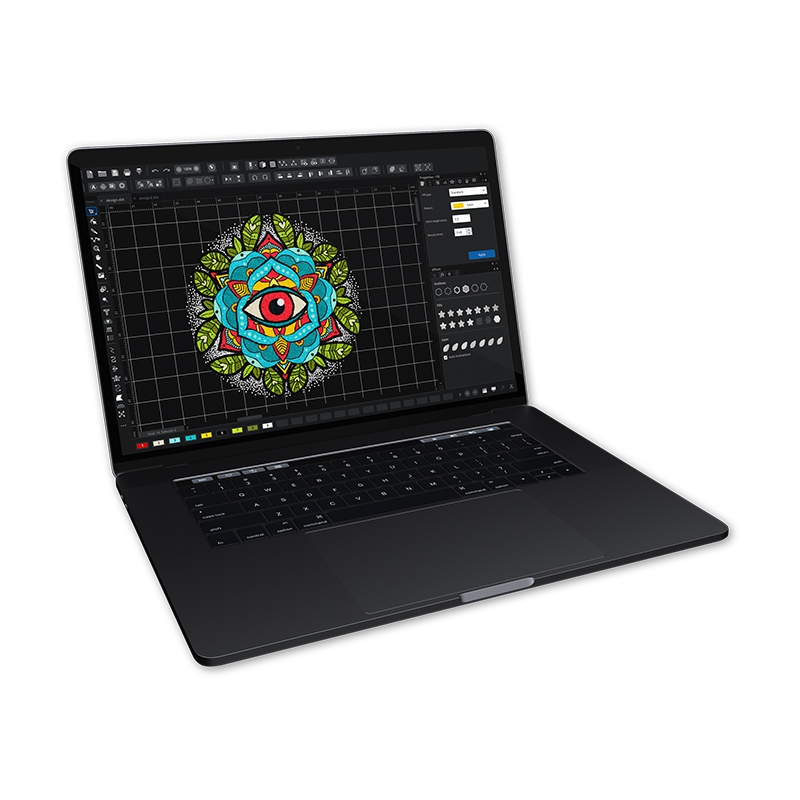
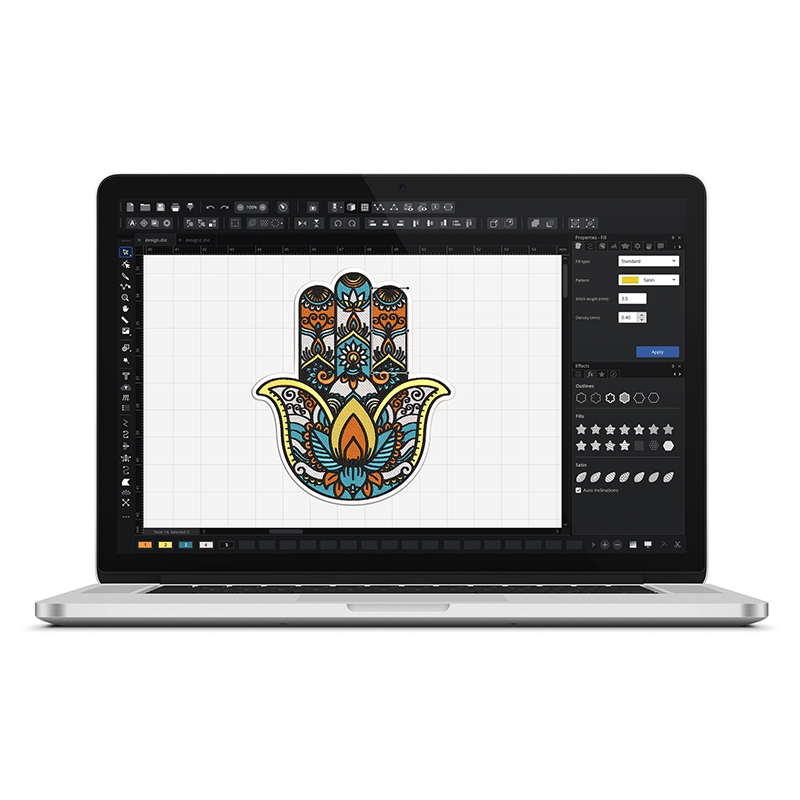
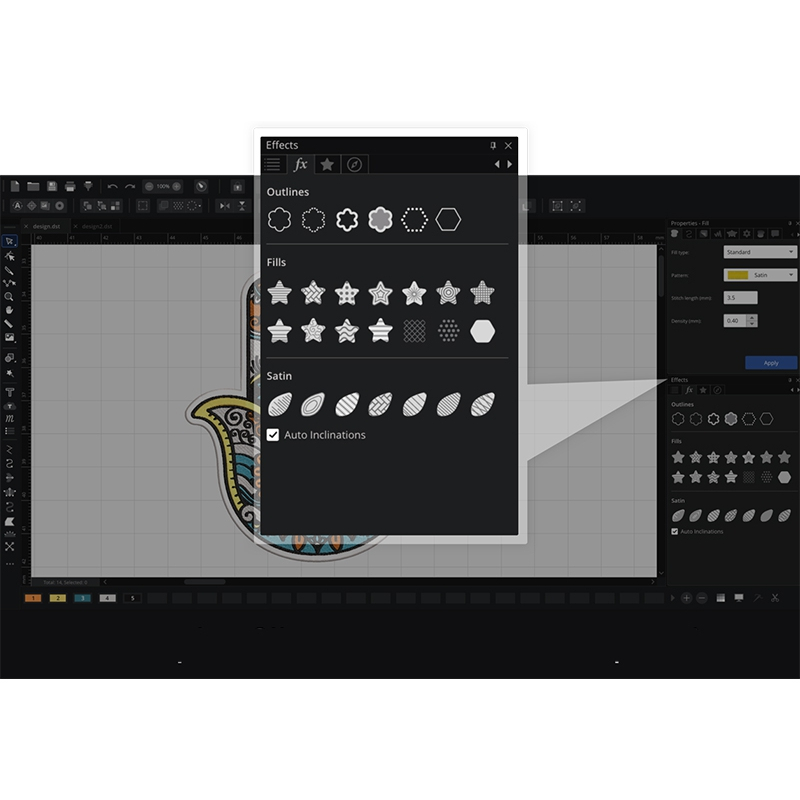
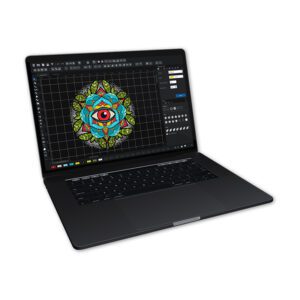
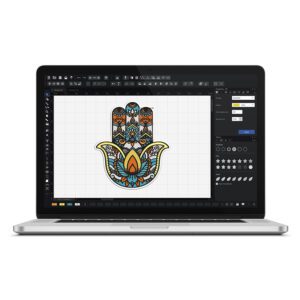
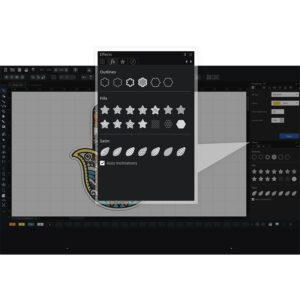
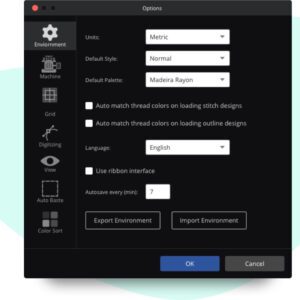
Chroma is the leading software from the American company Ricoma for digitizing and designing embroidery. This modern embroidery design software was created to enable both beginners and experienced users to quickly and easily create even the most complex designs. For beginners, CHROMA can be a helpful tool for automatic digitizing. Advanced users can speed up the digitizing process thanks to the available styles, tools and practical keyboard shortcuts. Get started and you will be drawn into the world of creation and inspiration!
Note! You can download a demo version from the link https://ricoma.com/US/software/chroma/download
“AutoDigitizing” function
This tool guides the user through the stages of automatic digitizing any bitmap image. Acceptable files are: .jpg, .bmp, .tif, .gif, .png. Most importantly, the machine also uses vector files Adobe Illustrator .ai, Scalable Vector Graphic .svc or Windows Metafiles .emf and .wmf.
“Digitizing” function
We use tools for manual digitization using Bezier curves or using others: simple drawing, freehand. We create contours (outlines) filled with stitches.
“Underlay” function
We program the underlay before embroidering. This option strengthens the material and embroidery. In the Underlay tab, you can choose different types of underlays for complex fills and satin.
“Pull compensation” function
Sometimes it happens that when embroidering the outline of the pattern, it does not match the embroidery fill. At the same time, it turns out that on some materials the embroidery looks good and the problem only concerns some materials. Thanks to this function, we can expand the embroidery fill so that the frame is perfectly on the edge of the fill.
“Complex Fill with holes” function
This is a filling function with the stitch angle setting and taking into account empty spaces (holes).
Embroidery Editing Features:
– Pattern Rotation
– Mirroring
– Forward/Backward Move
– Copy, Paste, Cut
– Selection Tool,
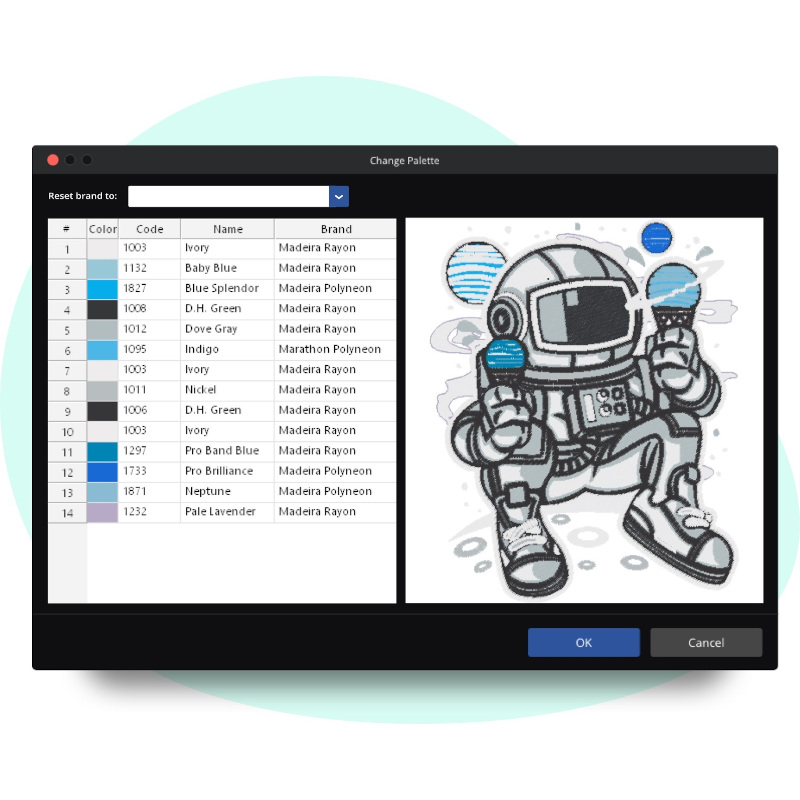
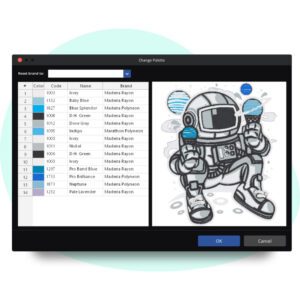
– Change Thread Color or Manufacturer Palette,
– Alignment in Different Planes,
– Grouping,
– Resequencing,
– Color Optimization,
– Repeat,
– Copying,
– Shape Creation Tool,
Text Features:
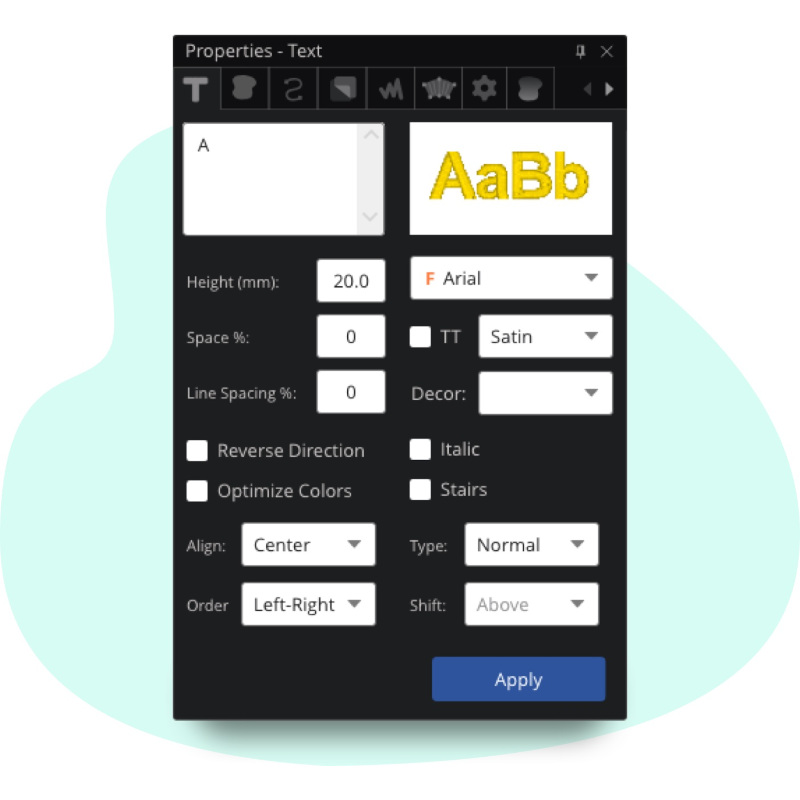
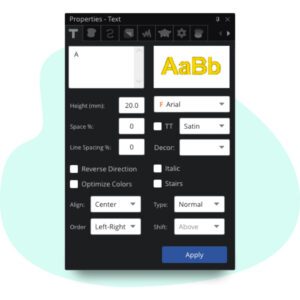
– Adding Letters, Text,
– Adding Text in a Circle,
– Adding Monograms,
– True Type Fonts and Polish Characters
– 43 Ready-to-Use Fonts,
File Features:
– Export,
– Opening and Saving,
– Printing,
– Merging,
– Embroidery Library,
– Importing Embroidery Files: RDE – Ricoma, EXP – Melco, DST – Universal, DSB – Barudan, DSZ – ZSK, T01 – Tajima, SST – SWF, KSM – Pfaff, PHC – Brother, TAP – Happy, M3 – J uki,
– File transfer to the machine via serial port, Wi-Fi network,
– Saving embroidery files as graphics (jpg or png),
– Importing bitmap and artwork files,
– Exporting artwork files,
Preview functions:
– Realistic appearance of embroidery in 3D,
– Zooming in and out with the mouse scroll,
– Stitch ends,
– Measuring ruler,
– Hoops,
– Changing the background color
– Cutting commands,
– Start/Stop commands
– Sequencing panel,
– Simulation of embroidery on the screen,